
TV
Live TV + TV Guide / EPG
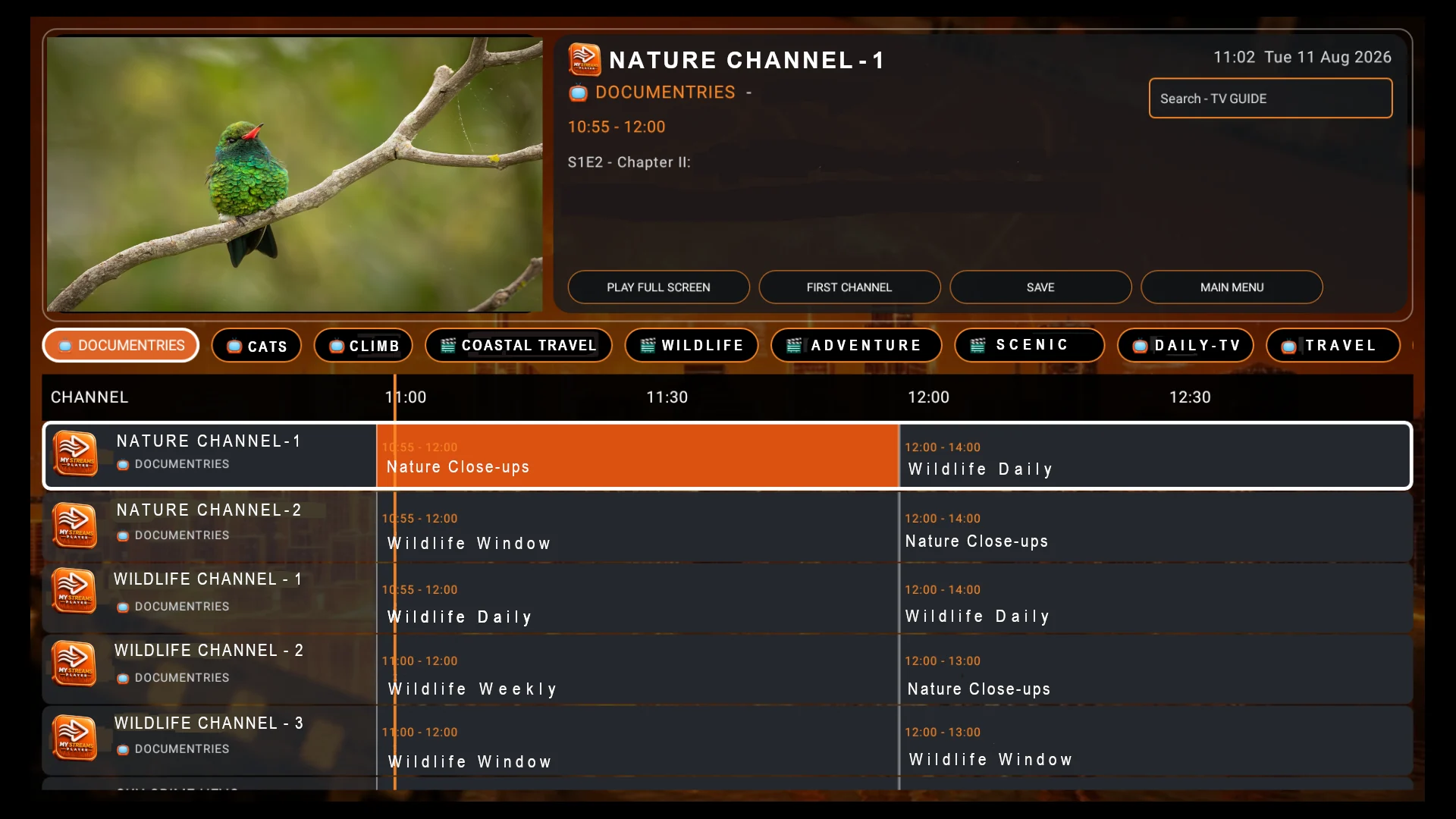
Browse live channels, programme listings and Now/Next information, search the guide and move between preview and full-screen playback.
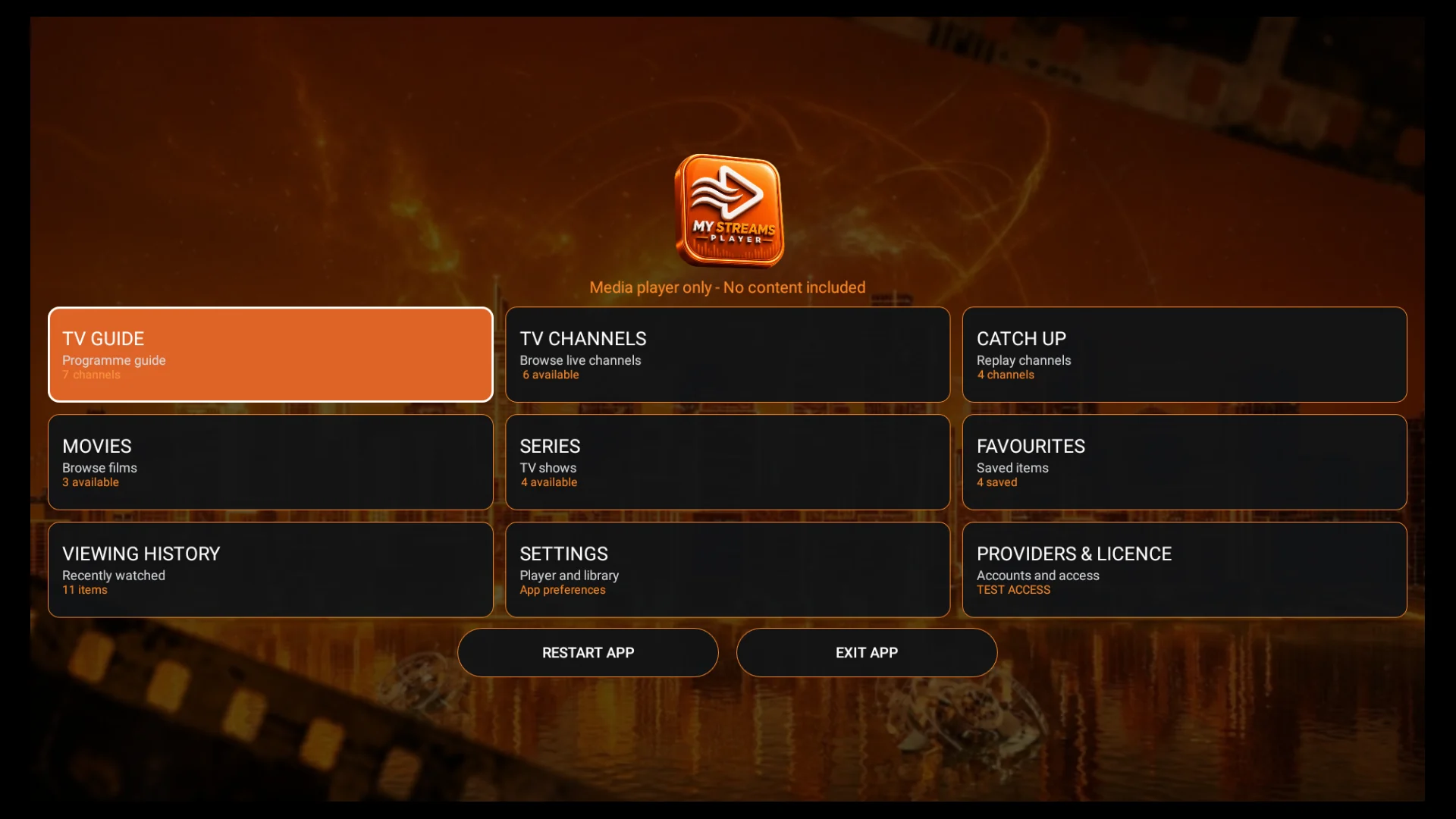
MY STREAMS PLAYER is an IPTV and media player for your own compatible service on Android TV, compatible Fire TV devices running Fire OS, phones and tablets. Browse Live TV with EPG, TV Channels, Catch Up, Movies, Series, Favourites and Viewing History, then organise large playlists with the built-in Playlist Editor, custom categories and backup/restore tools.
Media player only — no channels, films, subscriptions or provider accounts are supplied.
Firestick: compatible Fire TV Sticks running Fire OS use the 32-bit APK. Check the Firestick 32-bit / 64-bit guide.
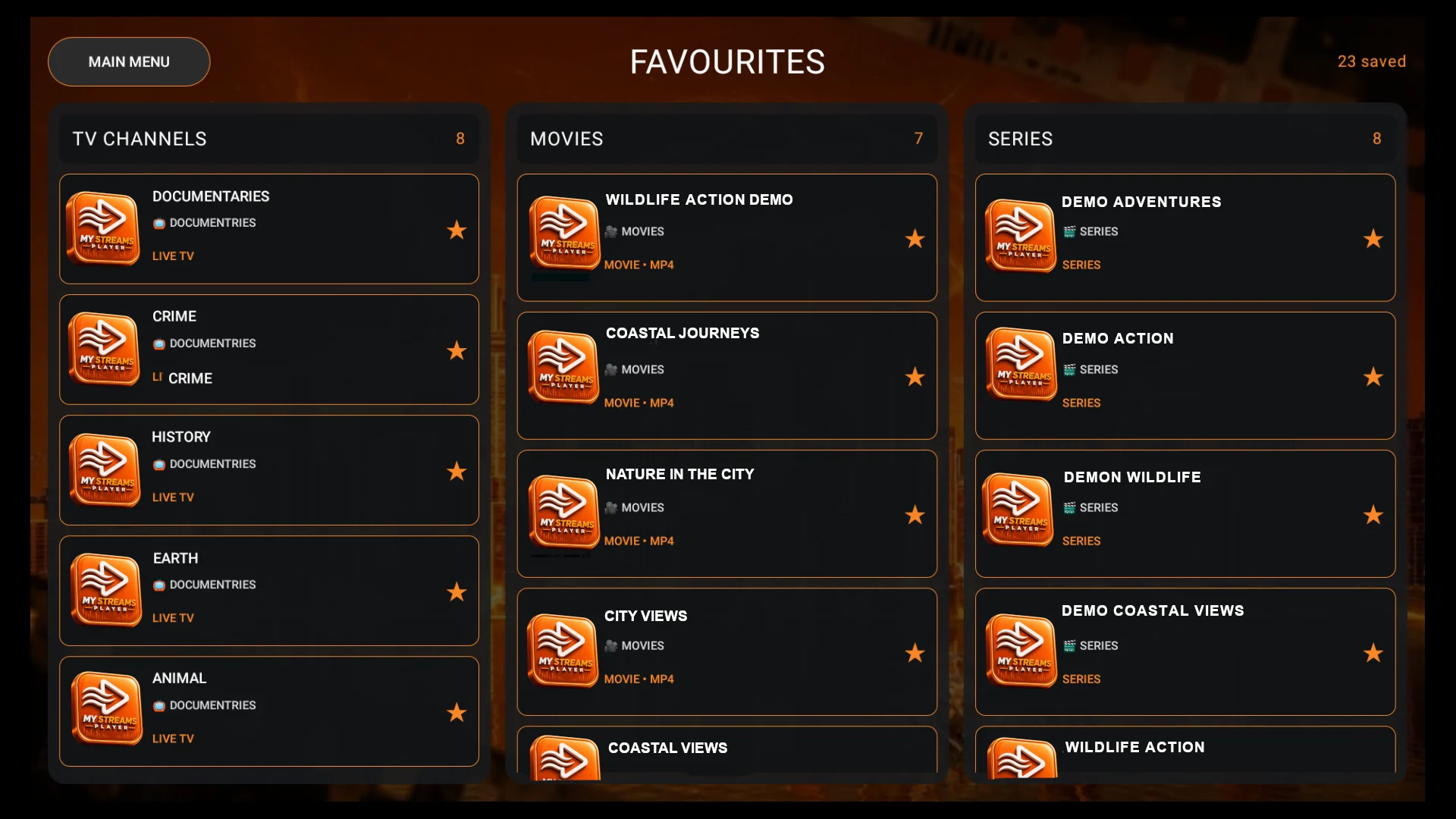
Real screenshots from MY STREAMS PLAYER show the TV-friendly interface, guide and favourites experience.
Built for large user-supplied playlists with remote-friendly TV navigation and responsive Android mobile controls.
Browse live channels, programme listings and Now/Next information, search the guide and move between preview and full-screen playback.
Browse and play supported Catch Up programmes where your own provider supplies replay data and streams.
Browse large catalogues, search by title, save favourites and return to your previous browsing position.
Keep favourite channels, movies and series together and quickly return to recently watched content.
Show, hide and reorder TV, Movie and Series categories, then open a category to show, hide and reorder individual channels, movies or series.
Create, rename and delete your own categories and add compatible channels, movies or series to them.
Move categories and individual items to the top, up or down with Save and Cancel controls designed consistently across TV and mobile.
Create verified playlist backups, restore saved layouts, manage provider-specific backups and restore a provider playlist to its original organisation.
Add and manage multiple compatible provider accounts or playlists, including supported Xtream Codes and M3U inputs.
Search TV, TV Guide, Catch Up, Movies and Series using a TV remote or touch controls.
LibVLC playback includes subtitles, VOD audio-language selection, audio sync adjustment and multiple aspect-ratio options.
Protect adult-labelled content with a changeable PIN and optional remembered bypass on the device.
Check for website APK updates, restart or exit the app cleanly, and keep your current settings when installing a correctly signed update over the existing app.
Designed for compatible Fire OS/Android TV remotes and Android phones/tablets with device-appropriate spacing and controls.
Use the new step-by-step manual for installation, providers, every main section, playback, Playlist Editor, backups, licensing and troubleshooting.
Download the correct APK, install the app and add your own compatible provider credentials.
For a compatible Fire TV Stick running Fire OS, use the 32-bit APK. On compatible Android devices, choose the 32-bit or 64-bit build that matches the device ABI.
Install the APK and open MY STREAMS PLAYER on your device.
Enter your own compatible provider details and begin your trial.
On a computer or tablet? Scan the QR code to open the official MY STREAMS PLAYER downloads page on your Android phone.
OPEN DOWNLOADSTry the app for seven days before purchasing a lifetime licence for that device.
MY STREAMS PLAYER is a media player only. It does not provide, sell or include channels, films, series, streams, subscriptions or provider accounts.
The licence covers use of the MY STREAMS PLAYER application on one compatible device. Your content provider is separate from MY STREAMS PLAYER.
Review our Terms, Privacy Policy and Refund Policy before purchasing.
Purchase lifetime device licences in bulk and manage customer activations through your own secure MY STREAMS PLAYER reseller portal.
Applications are reviewed before reseller access is issued. Each licence is a one-time lifetime licence for one compatible device.
No. MY STREAMS PLAYER is a media player only. You must provide your own compatible provider details and use content you are legally entitled to access.
The Android APK is designed for compatible Android devices and compatible Fire TV devices running Fire OS. Compatible Fire OS Fire TV Sticks use the 32-bit build. Vega OS Fire TV devices use a different app platform and are not covered by the standard Android APK installation instructions.
No. It is a one-time lifetime licence for one device.
Yes. A seven-day trial is available on eligible new installations.
Installing a correctly signed update over the existing app should preserve your provider accounts, favourites, history and licence information. Do not uninstall the app first.
Download MY STREAMS PLAYER for a compatible Fire TV device running Fire OS or a compatible Android device and begin your seven-day trial.